Preview Figma
Year
2017
Client
Zingit Solutions
Overview
Zingit Inbox is a responsive web application designed to help businesses manage customer conversations, automated replies, and contact data from a single, centralized interface. The product needed to support high-volume messaging while remaining simple enough for daily operational teams such as support agents, sales reps, and administrators.
My Role & Design Focus
As the Product Designer, I was responsible for UX, information architecture, interaction design, and UI execution. My primary focus was to reduce cognitive load in conversation-heavy workflows, design clear system feedback for automation features, and ensure the interface scaled across different roles and screen sizes without losing clarity.
Key Design Decisions
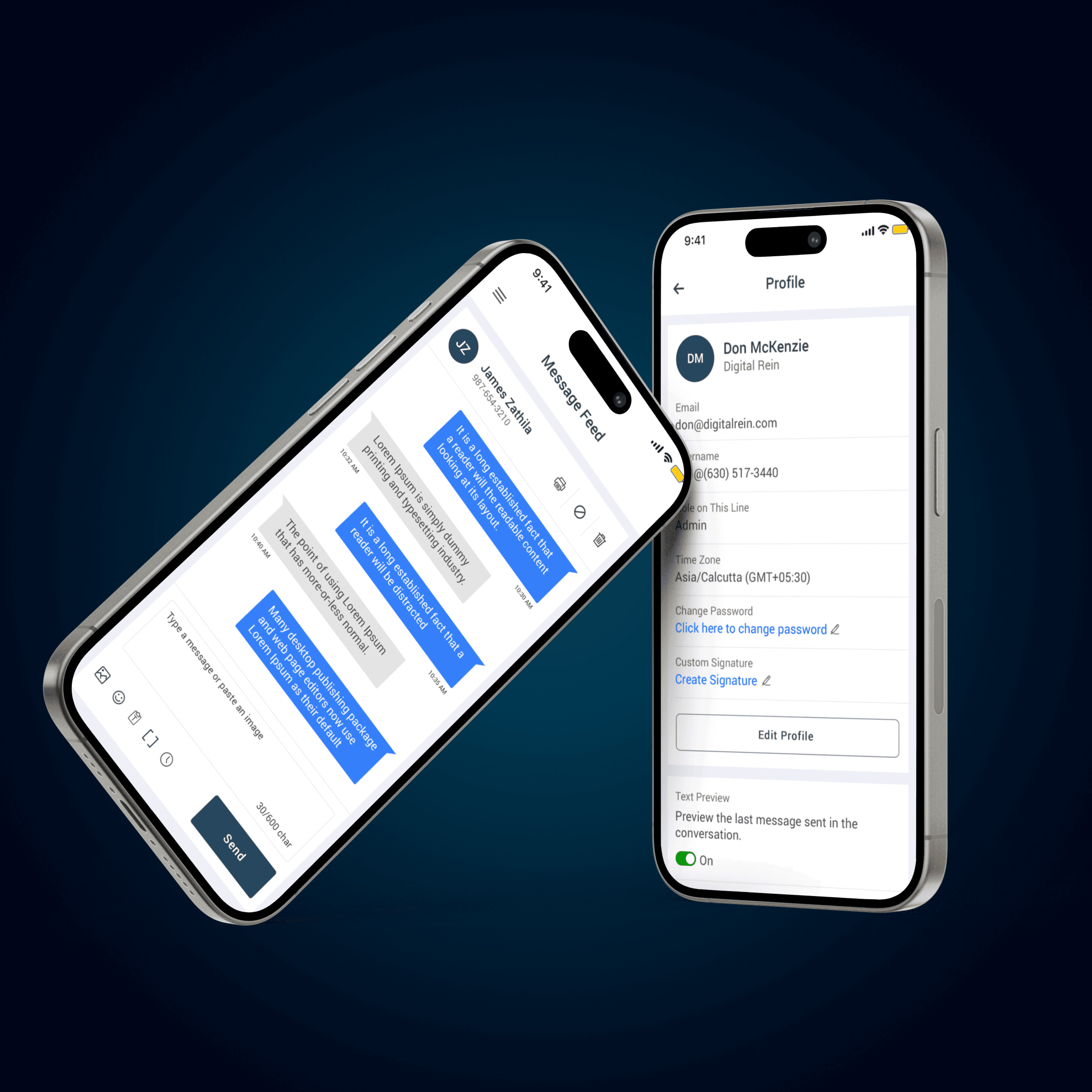
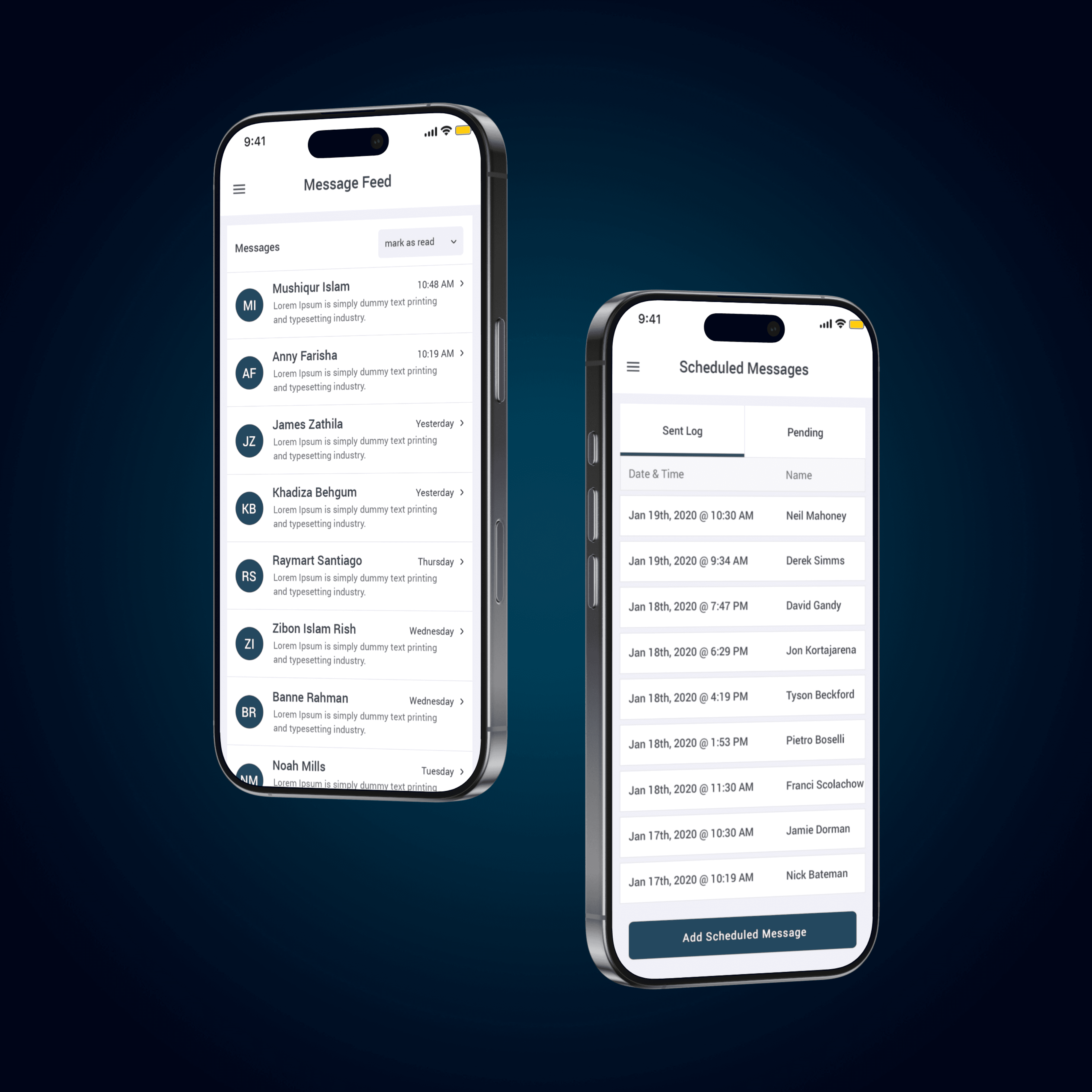
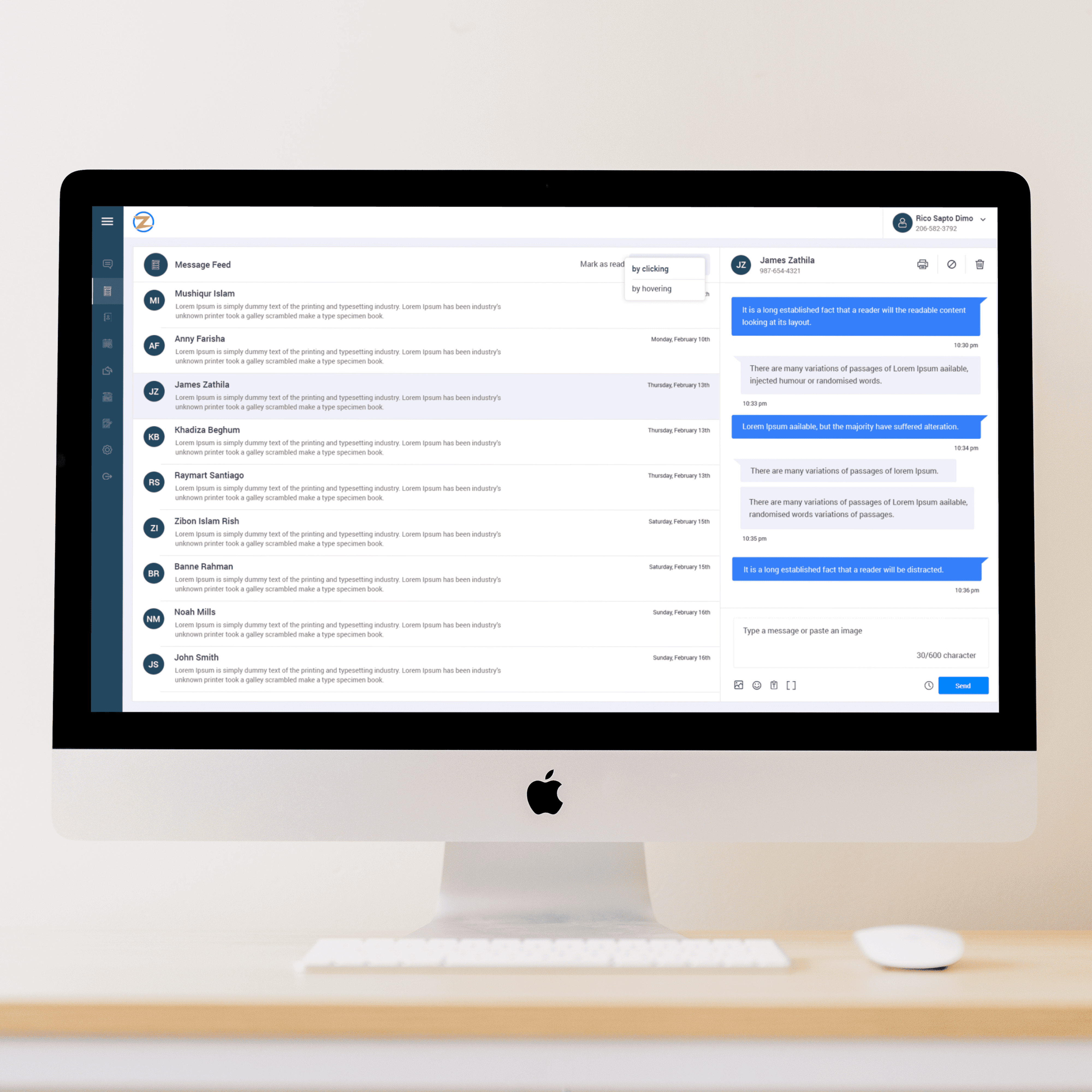
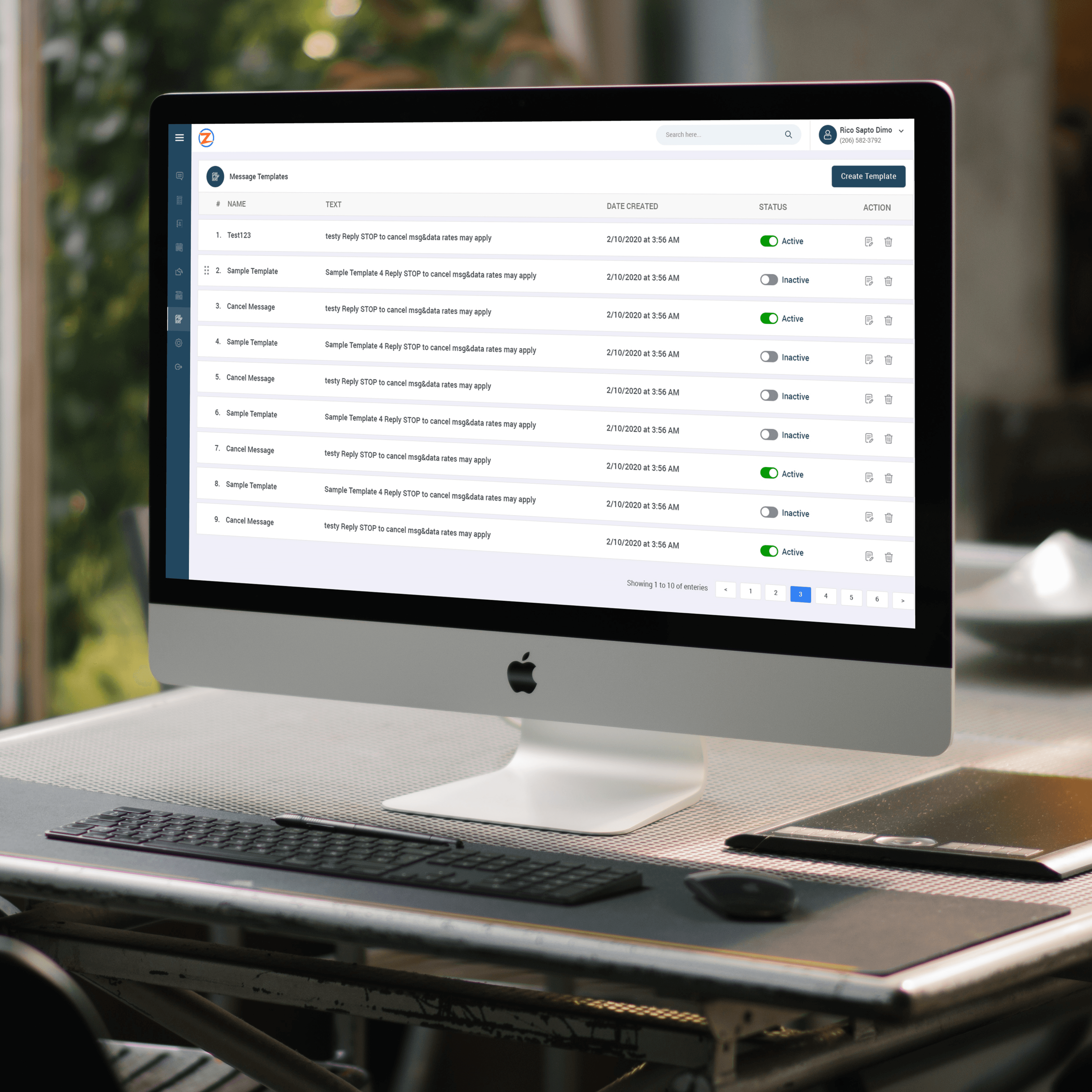
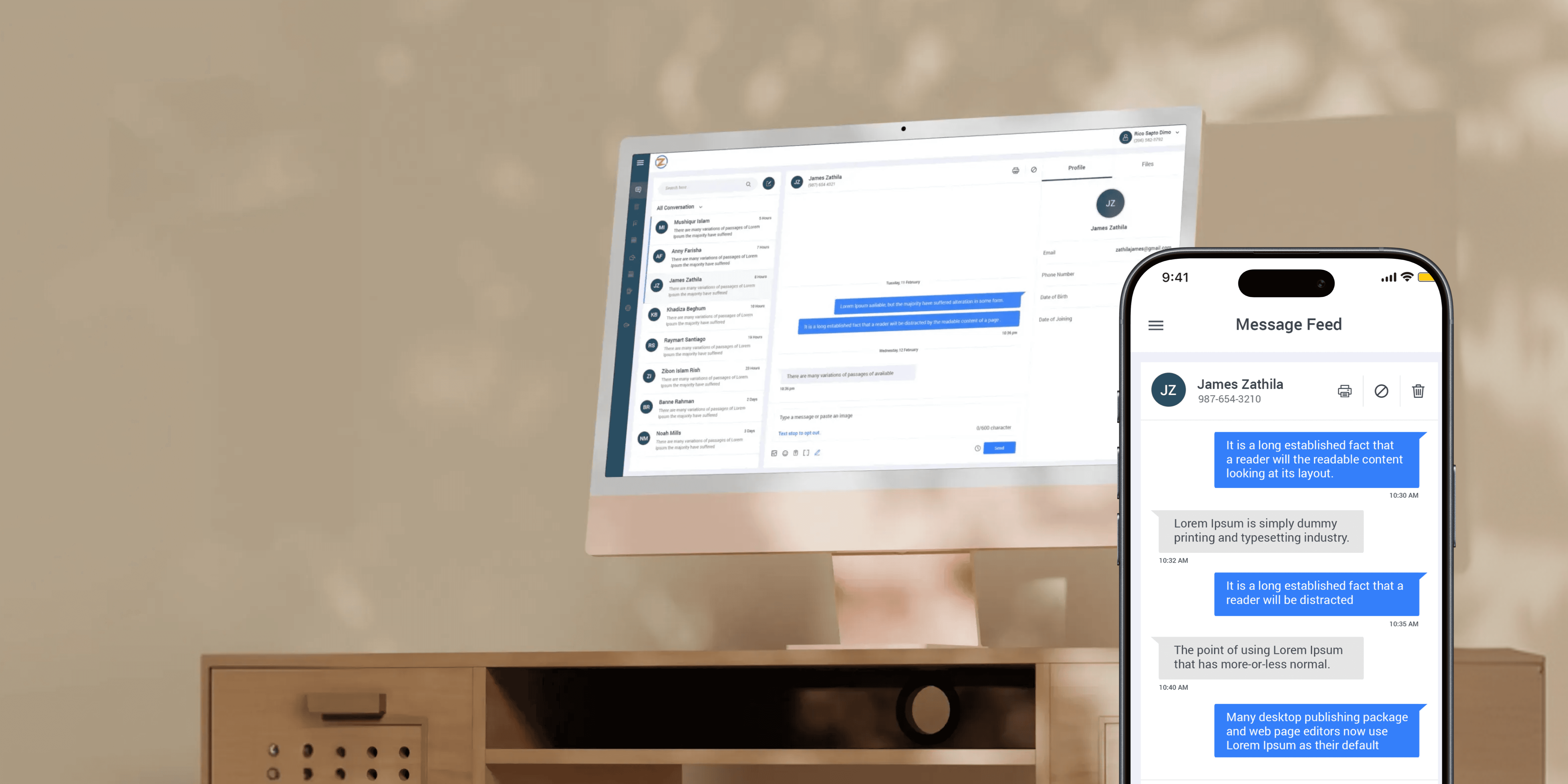
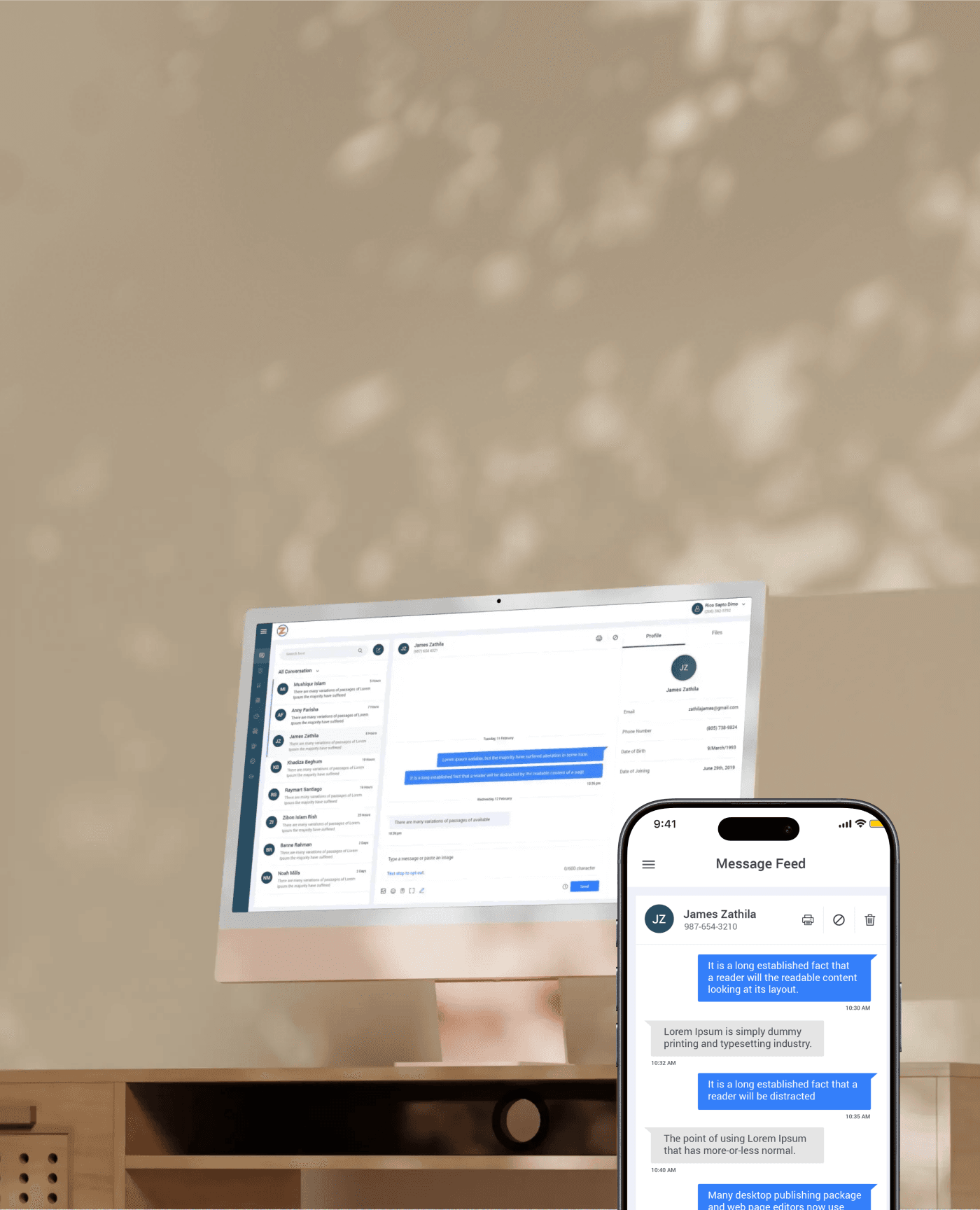
I designed a three-pane conversation layout (conversation list, active chat, user profile/files) to allow agents to respond quickly without context switching. Automation features like auto replies, keywords, templates, and scheduled messages were surfaced as first-class tools rather than hidden settings, making them easier to discover and manage. I also introduced clear empty states, status indicators, and toggle-based controls to make system behavior predictable and trustworthy for non-technical users.
Usability & System Thinking
The inbox was designed to balance real-time communication with configuration-heavy workflows. Message feeds prioritize readability and speed, while settings pages use structured forms, progressive disclosure, and consistent interaction patterns to prevent errors. Responsive behavior ensures the same product works effectively on laptops, tablets, and smaller screens used by on-ground teams.
Impact
Faster response times due to reduced context switching
Improved agent efficiency through centralized conversations and profiles
Higher adoption of automation features due to clearer UX patterns
Scalable UI system that supports future features without redesign
Why This Project Matters
Zingit Inbox demonstrates strong enterprise UX fundamentals—designing for scale, clarity, and operational efficiency. It highlights my ability to translate complex workflows into intuitive systems, design automation without sacrificing human control, and build products that support real business operations, not just polished screens.