[01]
// CASE STUDY
Chapters
The
Story
Zingit Inbox
2017 · UX, UI
A responsive web-based messaging & automation platform.
Overview
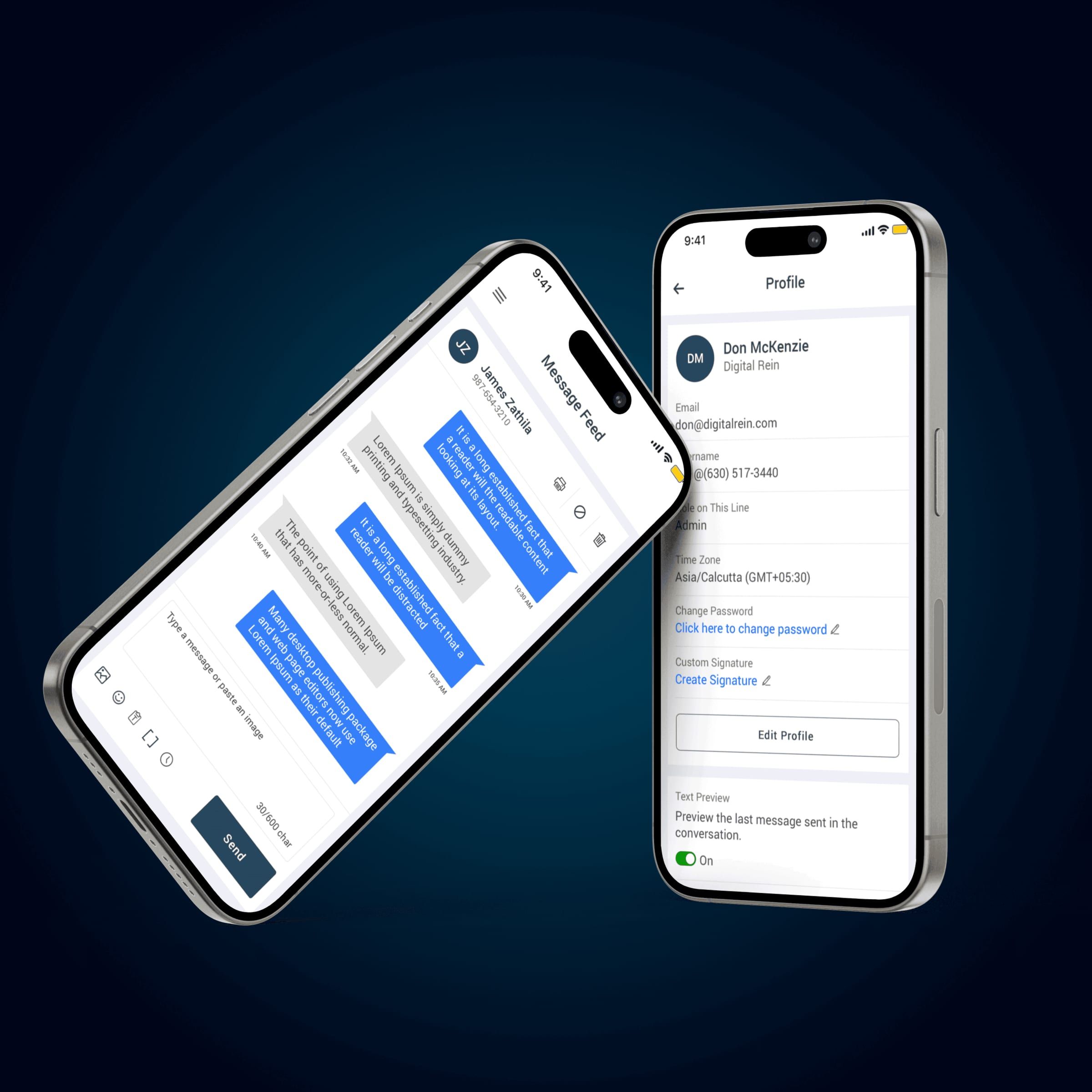
Zingit Inbox is a responsive web application designed to help businesses manage customer conversations, automated replies, and contact data from a single, centralized interface. The product needed to support high-volume messaging while remaining simple enough for daily operational teams such as support agents, sales reps, and administrators.
My role & design focus
As the Product Designer, I was responsible for UX, information architecture, interaction design, and UI execution. My primary focus was to reduce cognitive load in conversation-heavy workflows, design clear system feedback for automation features, and ensure the interface scaled across different roles and screen sizes without losing clarity.
Key design decisions
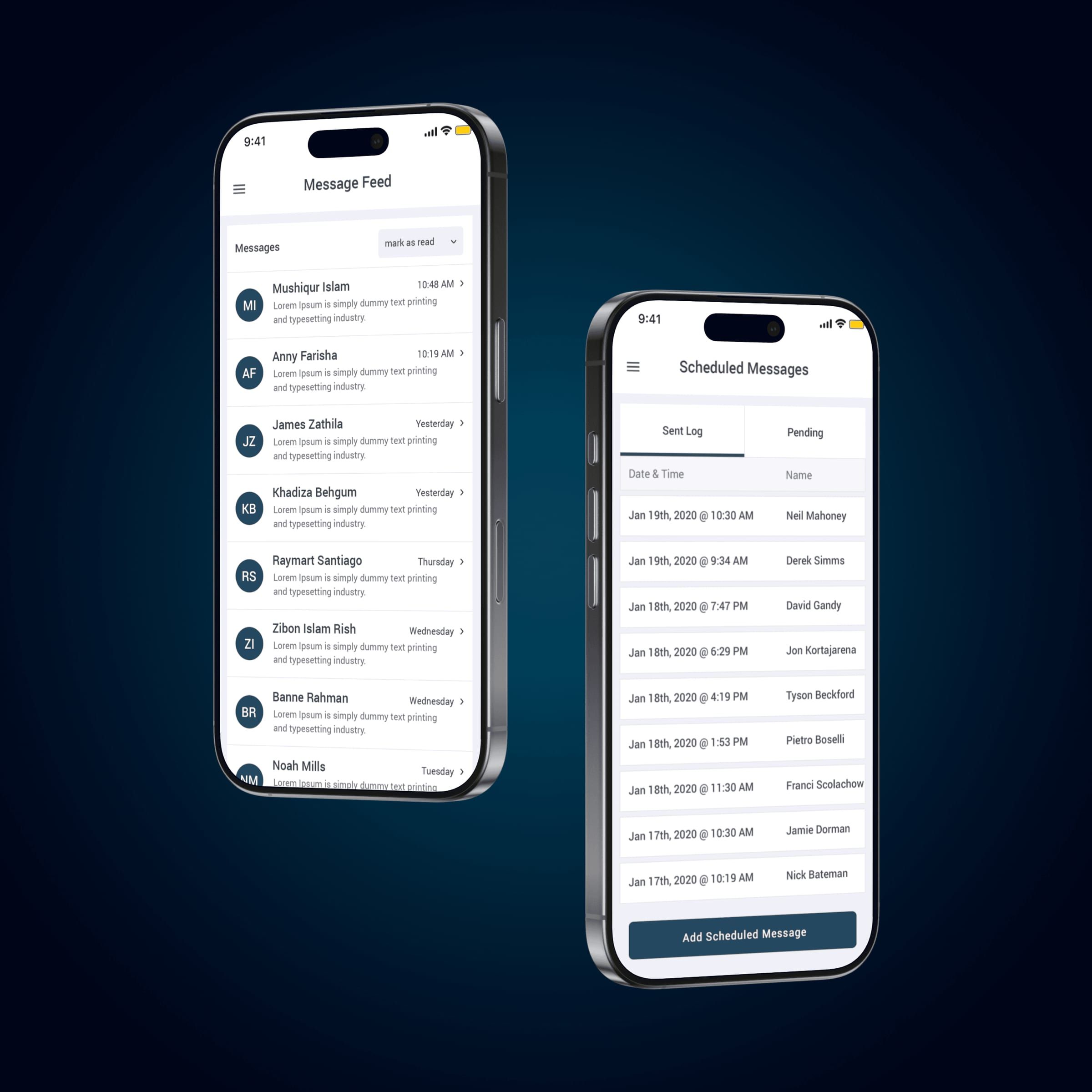
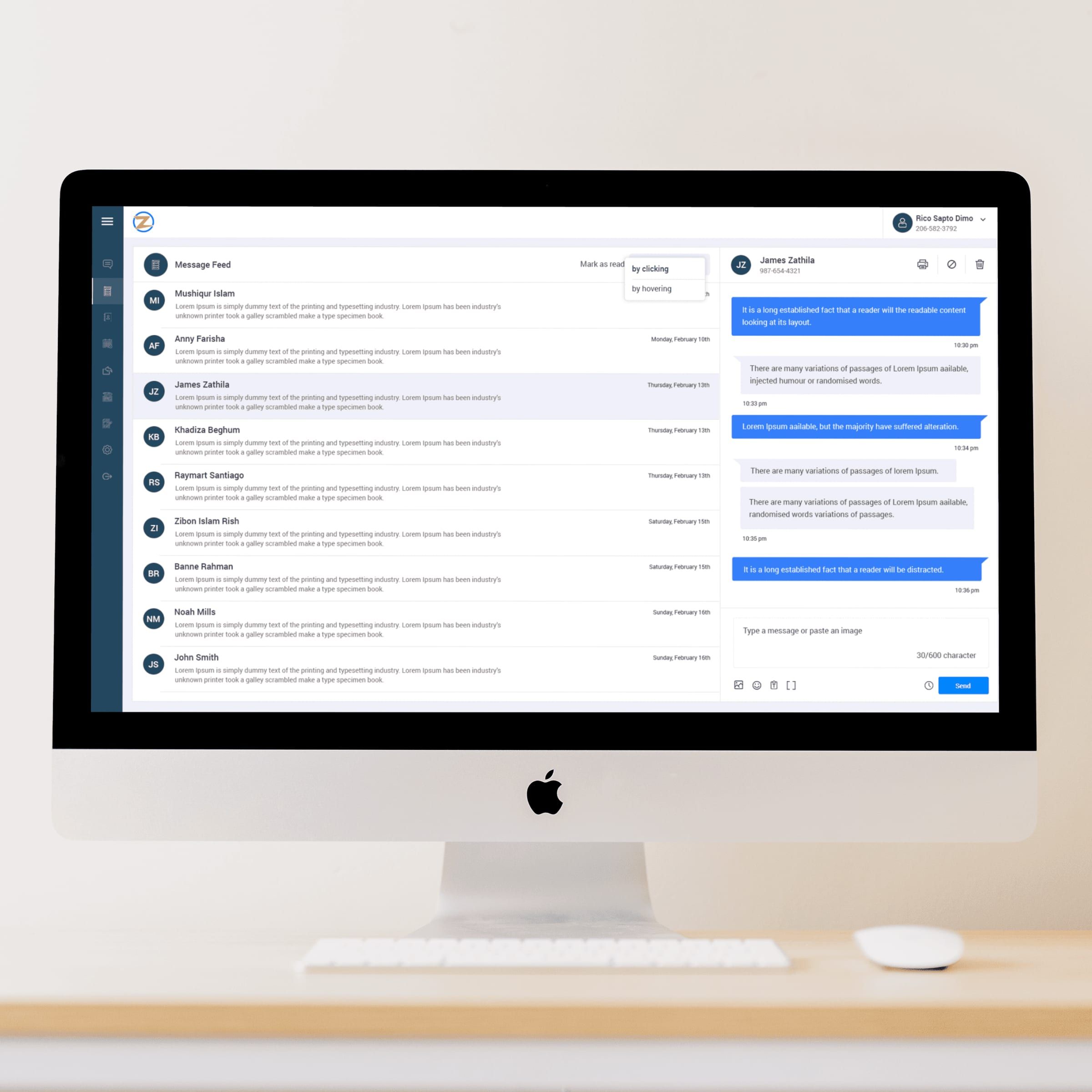
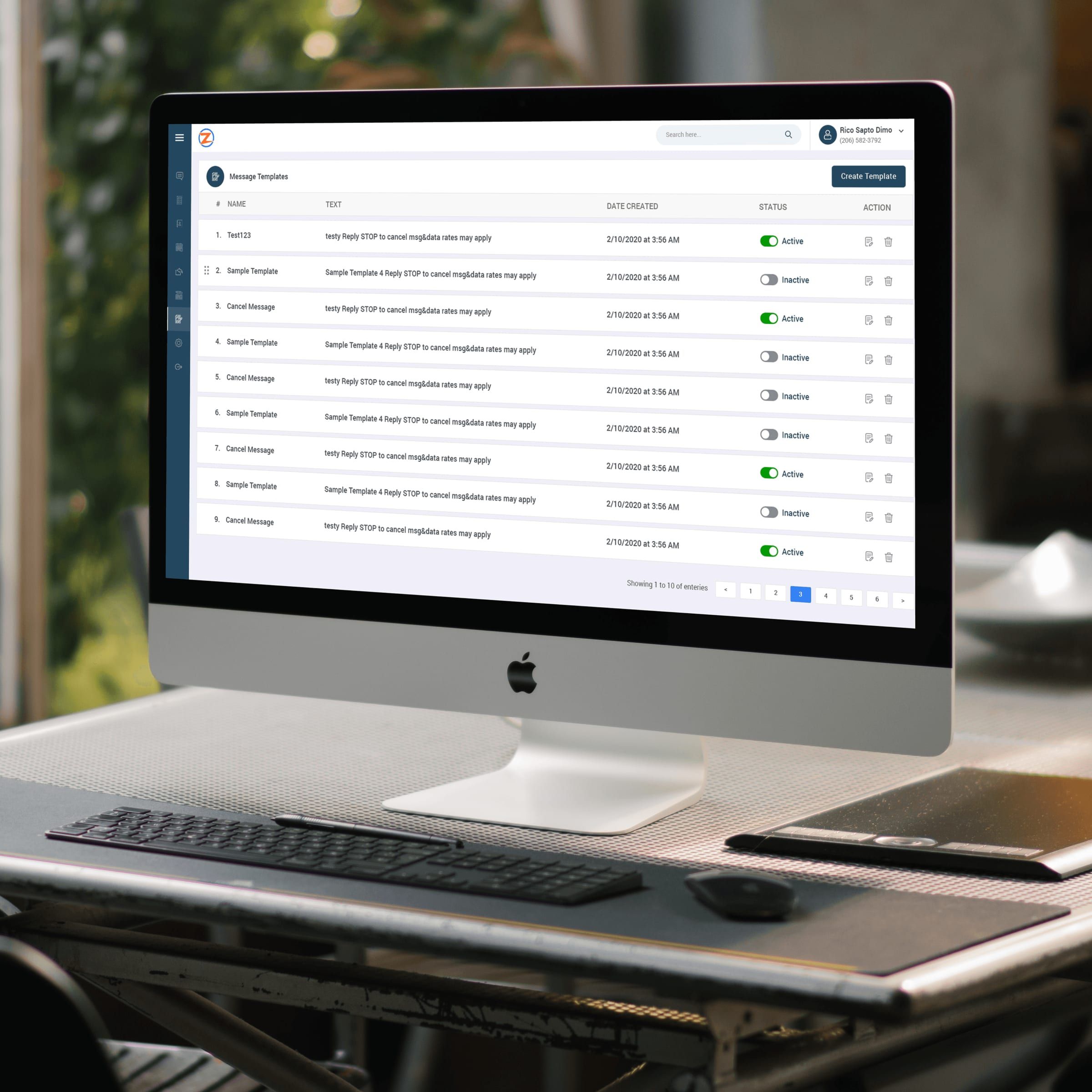
I designed a three-pane conversation layout (conversation list, active chat, user profile/files) to allow agents to respond quickly without context switching. Automation features like auto replies, keywords, templates, and scheduled messages were surfaced as first-class tools rather than hidden settings, making them easier to discover and manage. I also introduced clear empty states, status indicators, and toggle-based controls to make system behavior predictable and trustworthy for non-technical users.
Usability & system thinking
The inbox was designed to balance real-time communication with configuration-heavy workflows. Message feeds prioritize readability and speed, while settings pages use structured forms, progressive disclosure, and consistent interaction patterns to prevent errors. Responsive behavior ensures the same product works effectively on laptops, tablets, and smaller screens used by on-ground teams.
Impact
- Faster response times due to reduced context switching
- Improved agent efficiency through centralized conversations and profiles
- Higher adoption of automation features due to clearer UX patterns
- Scalable UI system that supports future features without redesign
Why this project matters
Zingit Inbox demonstrates strong enterprise UX fundamentals—designing for scale, clarity, and operational efficiency. It highlights my ability to translate complex workflows into intuitive systems, design automation without sacrificing human control, and build products that support real business operations, not just polished screens.
Zingit Patient App
2018 · UX, UI
A patient-facing mobile app that simplifies booking, rescheduling, and managing healthcare appointments with clarity and control..
Overview
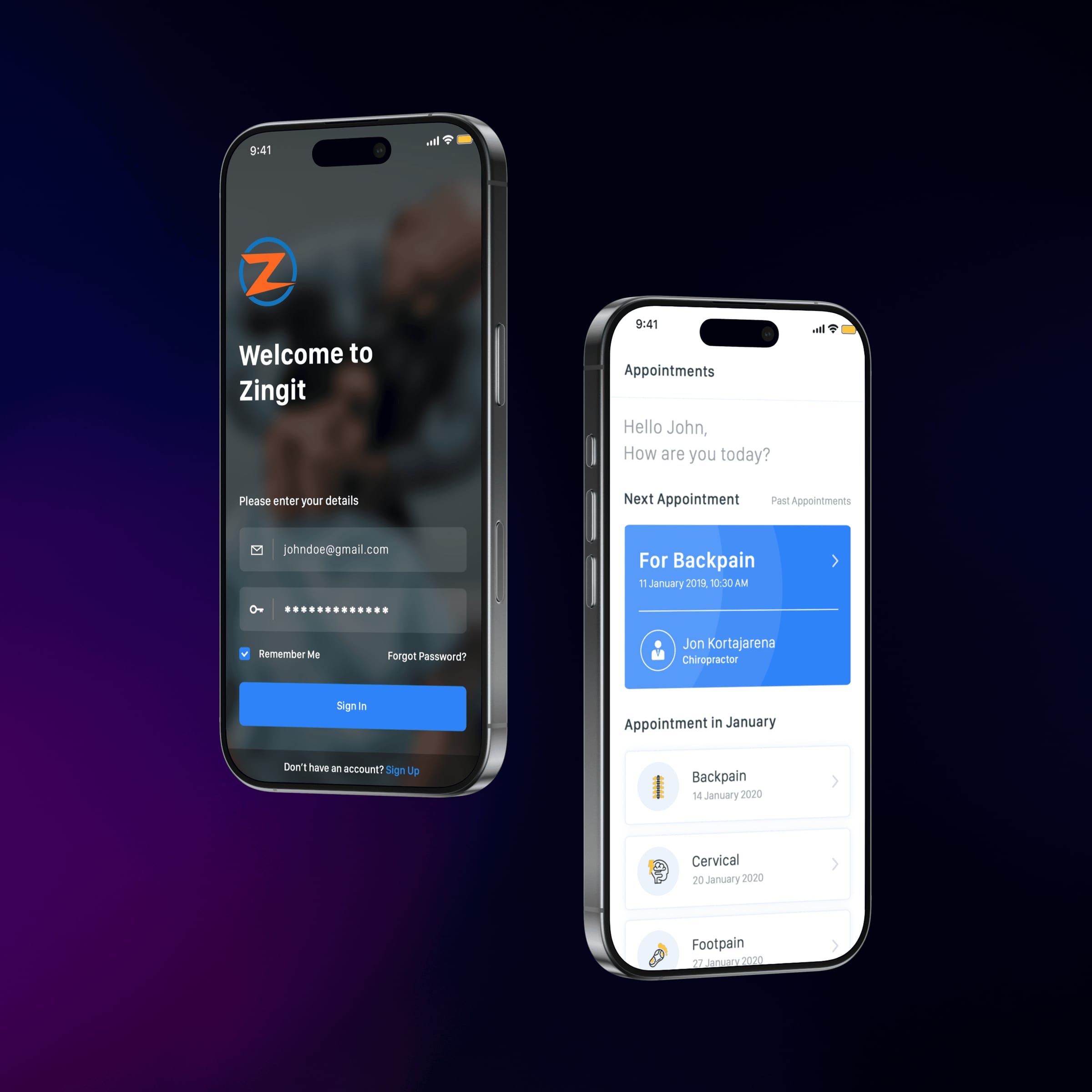
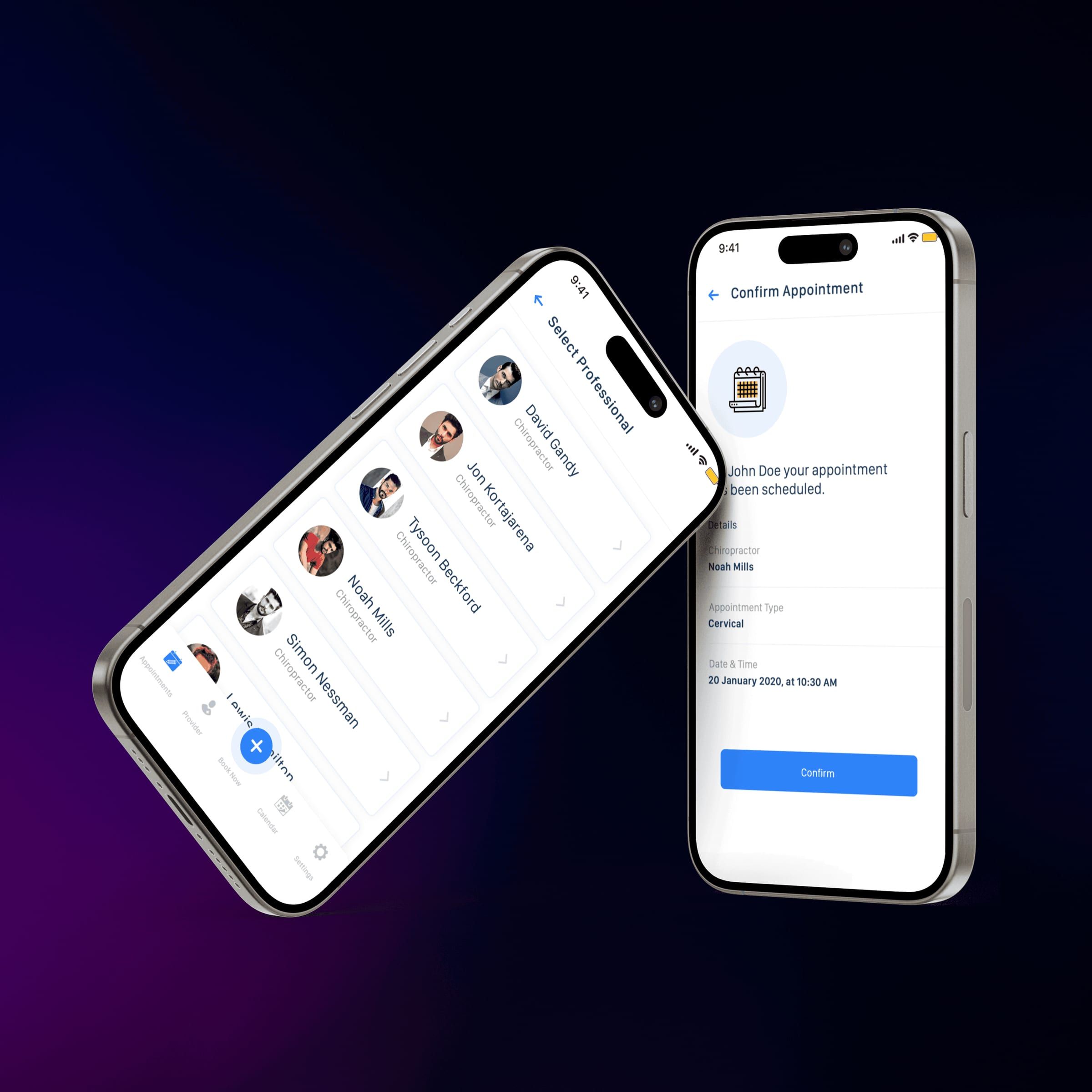
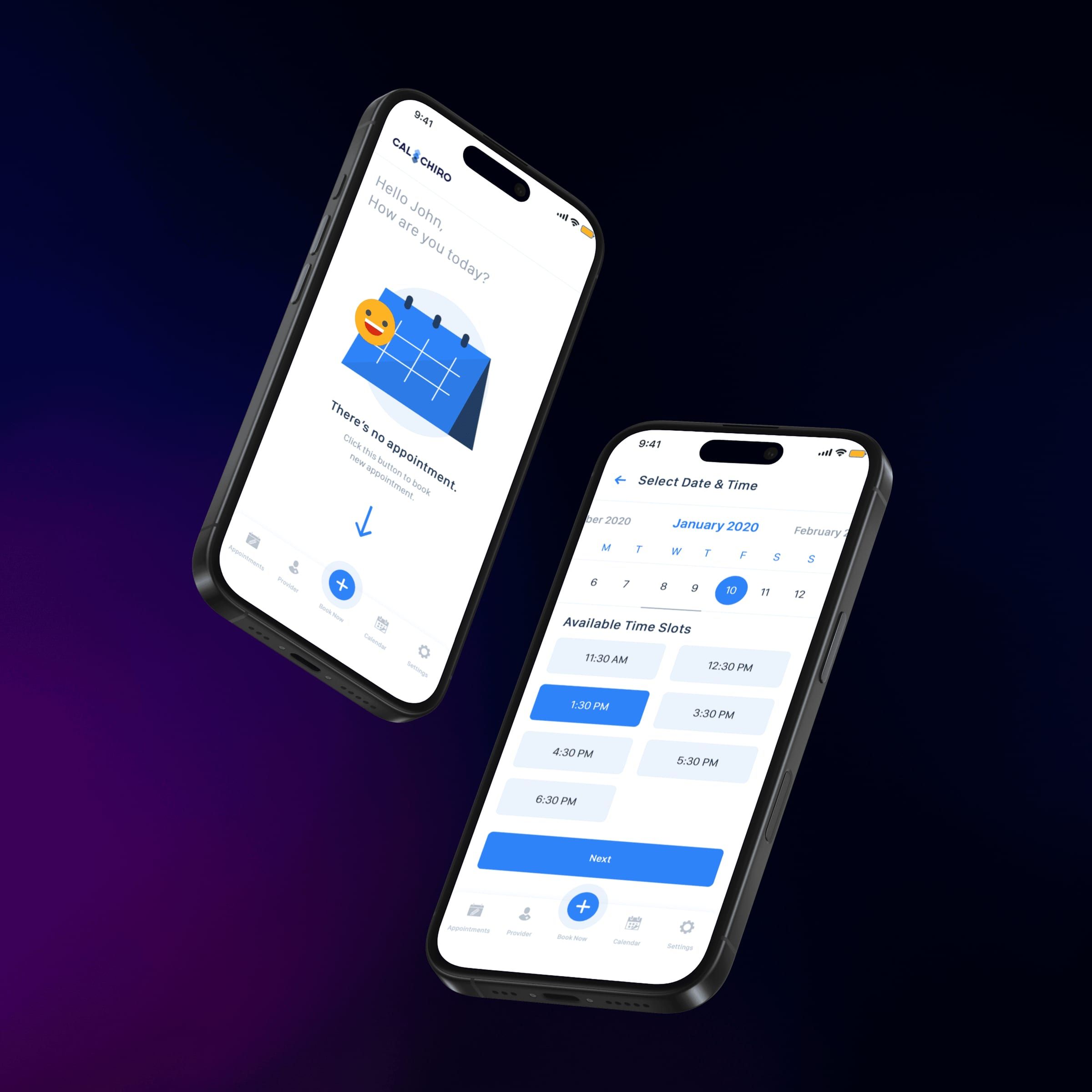
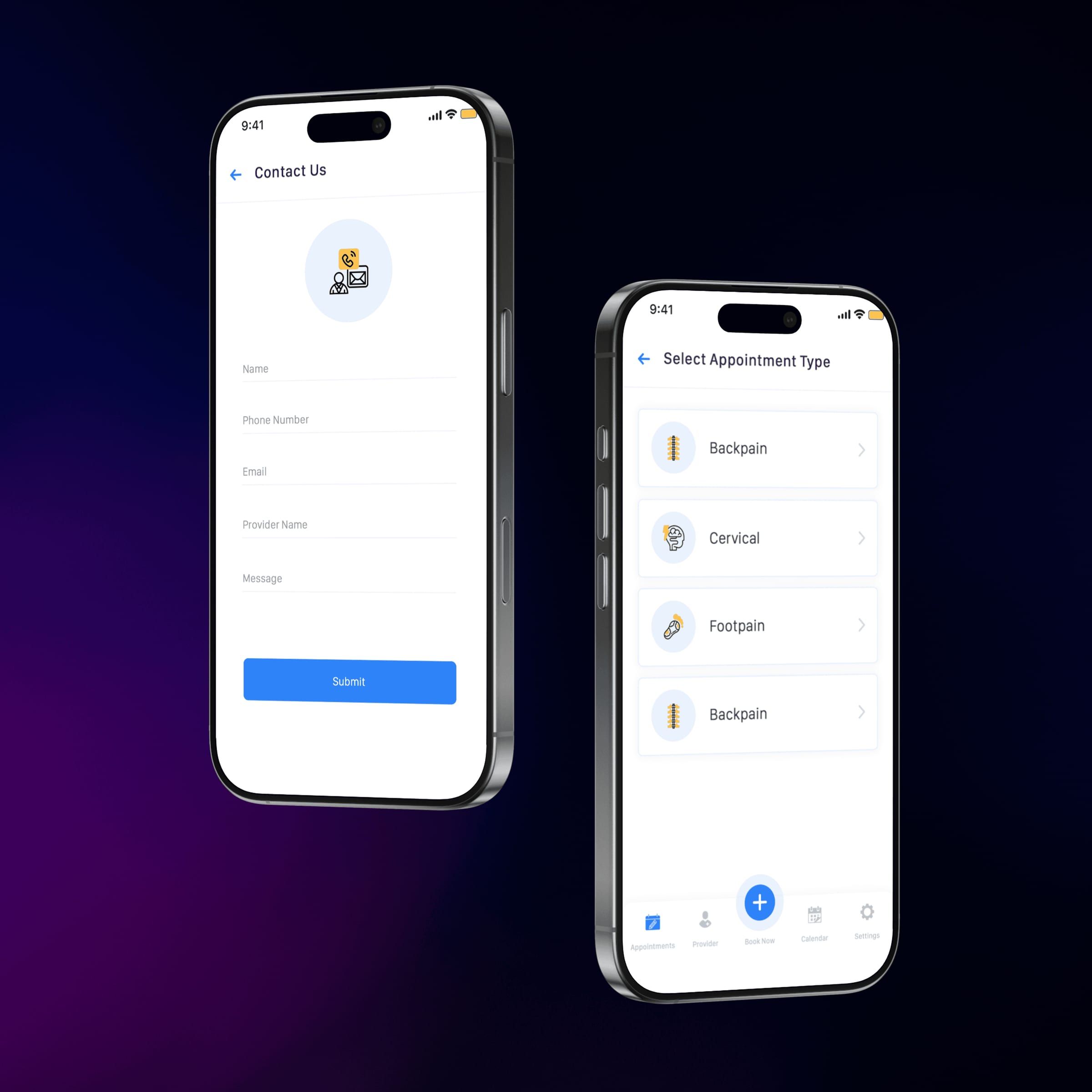
Zingit is a mobile application designed to simplify appointment scheduling between patients and healthcare providers, particularly chiropractors and physiotherapy clinics. The product focuses on reducing friction in booking, rescheduling, and managing appointments while giving patients clear visibility into their upcoming and past visits. The goal was to replace phone calls and manual coordination with a clean, self-service digital experience.
My role & key design decisions
As the Product Designer, I led the UX, interaction design, and UI execution for the patient-facing mobile app. I designed a calendar-first booking flow that allows users to quickly view availability, select time slots, and confirm appointments in just a few steps. Special attention was given to clarity and reassurance—appointment cards clearly show treatment type, provider name, and time, while actions like reschedule or cancel are surfaced contextually to avoid accidental changes. The interface was kept minimal and calm to suit healthcare use cases, with large tap targets and straightforward navigation for repeat usage.
Why this project is important
Zingit demonstrates my ability to design healthcare products that balance operational efficiency with patient trust and usability. Scheduling is often a high-friction touchpoint in healthcare, and this project shows how thoughtful UX decisions—like progressive disclosure, clear status visibility, and mobile-first interactions—can significantly improve patient experience while reducing administrative overhead for clinics.